Define material properties for windows and headlight glass
The only touches the car is still missing are transparent windows and headlight glass. Again, you use the same cubemap texture for windows and headlight glass as you did for the main body of the car, because you want to have the same environment reflection on windows and headlight glass as you do on the car.
In this step you define the material properties for the windows and the headlight glass.
Define material properties for the windows
- In the Library > Materials and Textures > Materials select Windows_x1 material, and in the Properties set:
- Material Types to PhongTexturedCube
- Texture to CarBodyTexture
- Cube-map Texture to CarBodyCubemapTexture
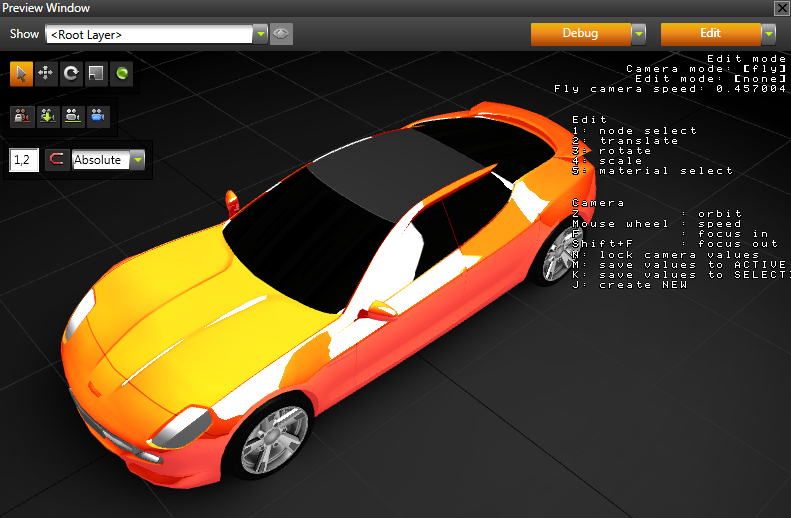
- In the Properties make windows transparent by setting the Windows_x1 material properties:
- Blend Mode to Alpha: Premultiplied
- Blend Intensity to 0,66
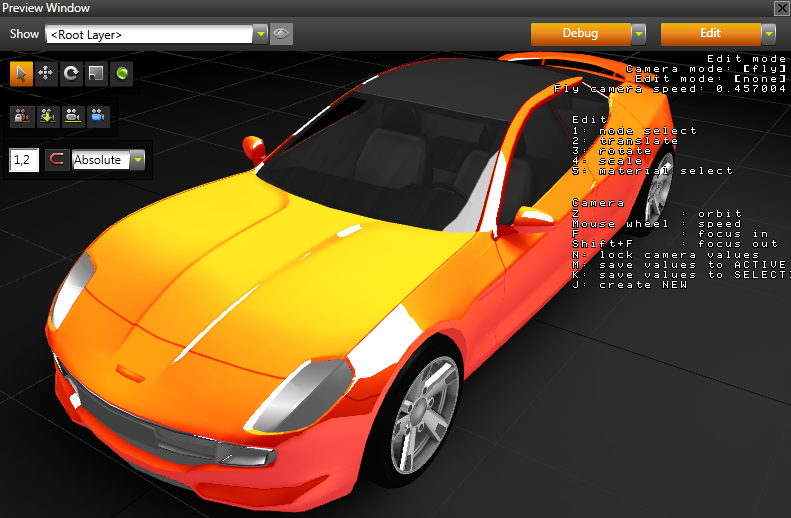
Define material properties for the headlight glass
- In the Library > Materials and Textures > Materials select HeadlightGlass material, and in the Properties set:
- Material Types to PhongTexturedCube
- Texture to CarBodyTexture
- Cube-map Texture to CarBodyCubemapTexture
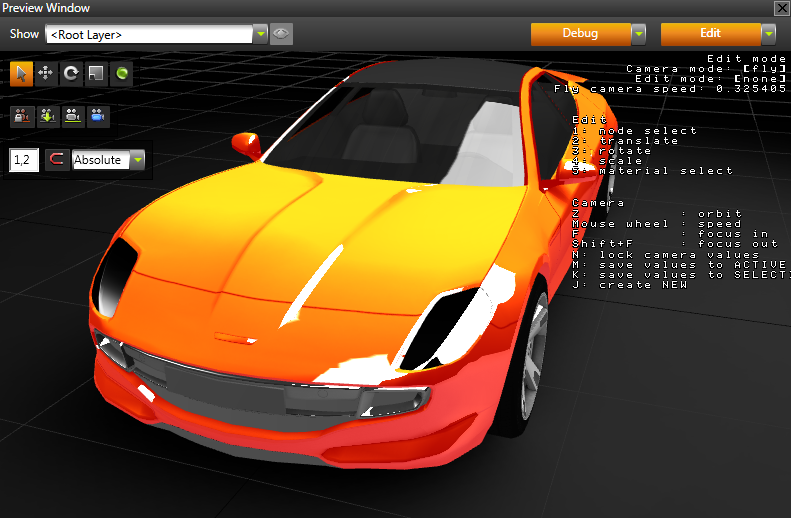
- In the Properties make windows transparent by setting the HeadlightGlass material properties:
- Blend Mode to Alpha: Premultiplied
- Blend Intensity to 0,5
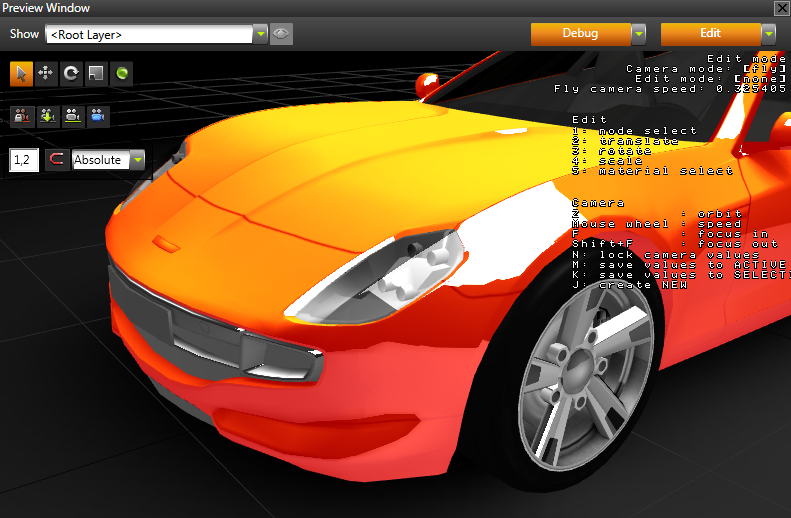
< PREVIOUS STEP
NEXT STEP >
Open topic with navigation